Getting started
Inviting your team
People join your organisation once, and then get access to projects individually. Roles decide what they can do; project access decides what they can see at all.
Adding someone
- Go to Members in the organisation sidebar.
- Invite by email address. They join the organisation, not any particular project.
- Give them access to the projects they need — that step is separate, and it is the one that matters.
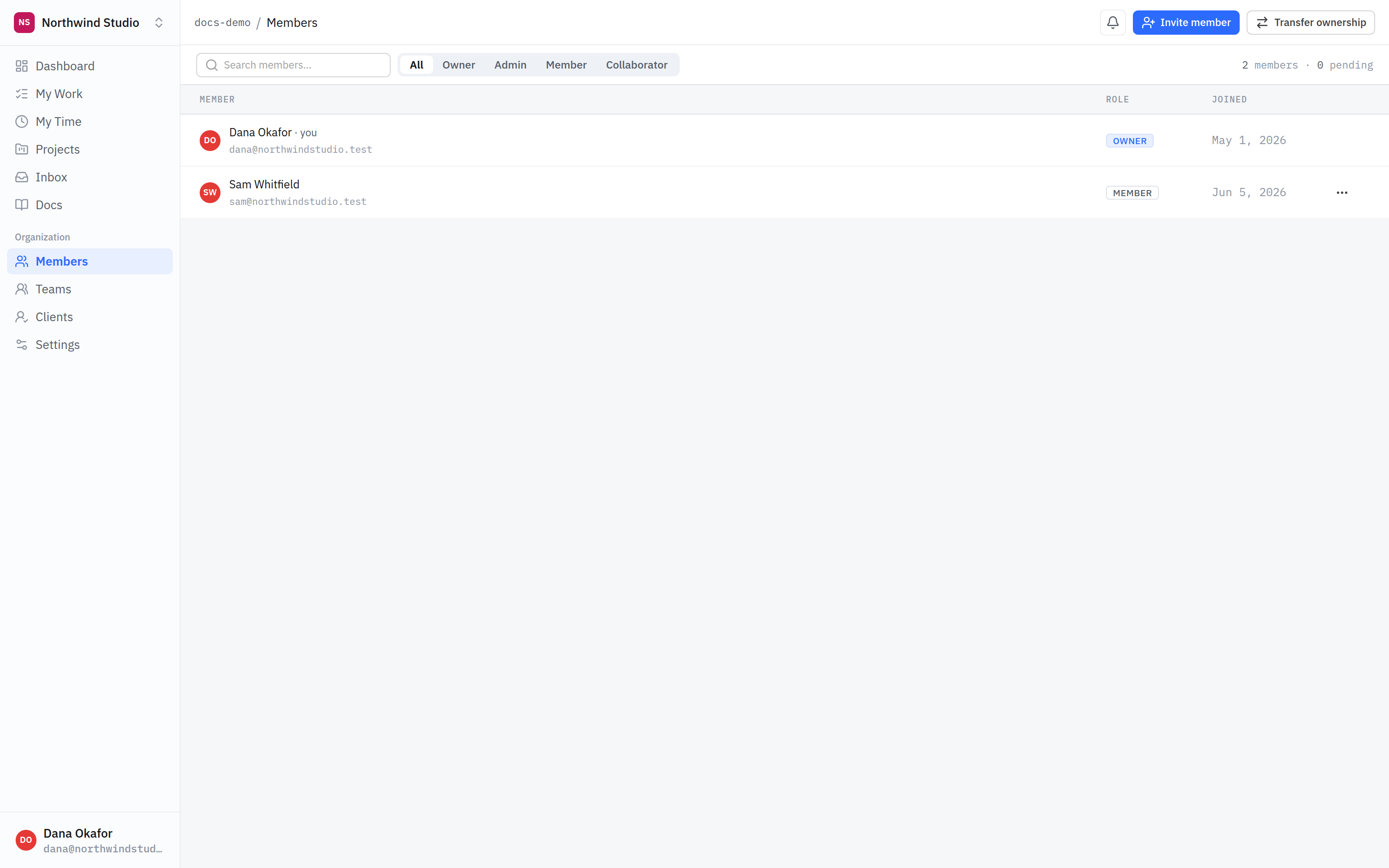
- Members. Everyone in the organisation, with the role that decides what they can reach.
- Invite. Invite by email. They join the organisation first — project access is a separate step.
- Role. What someone can do organisation-wide. It is not the same as which projects they are on.
The roles
- Owner — the organisation belongs to them. Everything, including billing and ownership transfer.
- Admin — full run of the organisation and its projects, short of the owner-only actions.
- Member — your team. They work in the projects they have been given.
- Client — someone outside your team. They see only the client-facing parts of the projects they are on, and never anything marked internal.
- Collaborator — a contractor or freelancer: works like a member, but scoped tightly to what they have been given.
Internal is the thing that hides work from a client. It is a safety setting, not a preference. Before you post anything on a project a client is on, check whether it is marked internal — if it is not, assume they can see it.
Access is all or nothing
Someone is on a project or they are not. There is no partial view, no read-only version of a project, no hiding one list from one person. If two groups of people need to see different things, that is two projects.
It sounds blunt, and it is on purpose: partial visibility is the thing that quietly leaks, because nobody can hold in their head who can see what.
Teams
A team is a group of people you can grant access with in one go — design, engineering, whoever. It saves repeating yourself; it does not create a second kind of permission to reason about.
What is next
That is the end of Getting started. The next section covers how organisations, projects and roles fit together in more depth — including what a client sees on every surface.