How it fits together
Teams and roles
A role says what someone can do across the organisation. Project access says what they can reach at all. They are two different questions, and it pays to keep them apart.
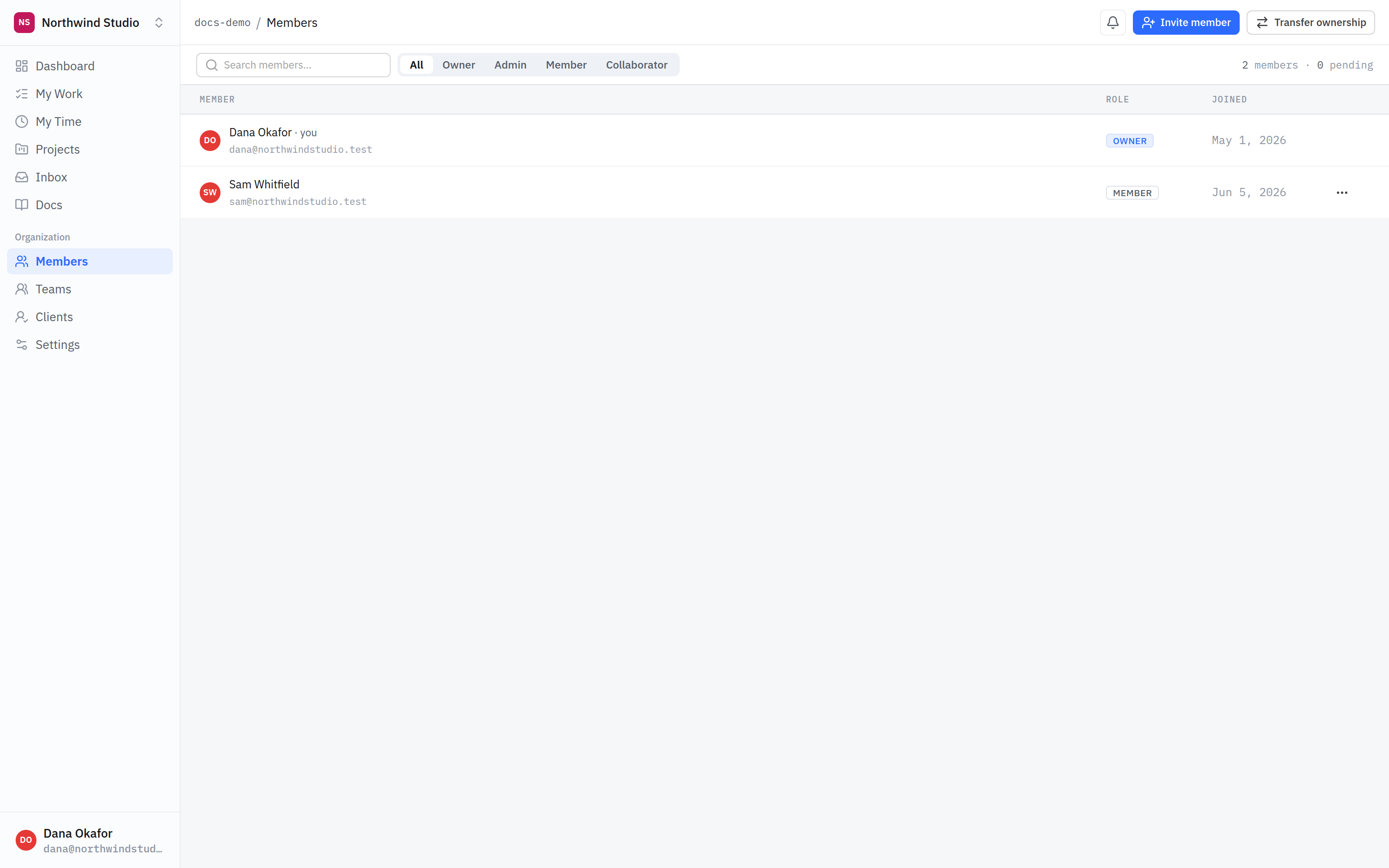
- Members. Everyone in the organisation. Being here is not the same as having a project.
- Role. What someone can do organisation-wide — settings, members, billing — and whether they are treated as staff or as an outsider.
The five roles
- Owner — the organisation is theirs. Everything, including the subscription and transferring ownership.
- Admin — runs the organisation: settings, people, projects, access. Everything short of the owner-only actions.
- Member — your staff. They do the work.
- Client — someone at the company you are working for. External, restricted, and never shown anything marked internal.
- Collaborator — a freelancer or partner agency doing real work alongside you.
Client and collaborator are not the same thing
Both are outside your company, and it is tempting to treat them identically. The product does not, and the difference matters:
- A client is bounded by content. They see the client-facing parts of a project and nothing marked internal, ever.
- A collaborator is bounded by the project. Inside a project they have been granted, they work like a member and do see internal content — because a freelancer who cannot read the internal notes cannot do the job.
So do not use the collaborator role for a customer. If someone should never see your internal notes, they are a client, whatever their job title.
Who gets projects automatically
Owners, admins and members reach every project marked all org without being added to it — that is what the setting means. Clients and collaborators never do: they reach a project only when you grant it, one at a time.
Teams
A team is a named group of people — design, engineering, whoever — so you can grant project access to several at once instead of repeating yourself. That is all it is. A team does not carry permissions of its own, and it is not a second thing to reason about when you are working out who can see something.
What is next
Roles decide who is an outsider. Internal vs client-visible decides what an outsider actually sees — and it is the page worth reading twice.